













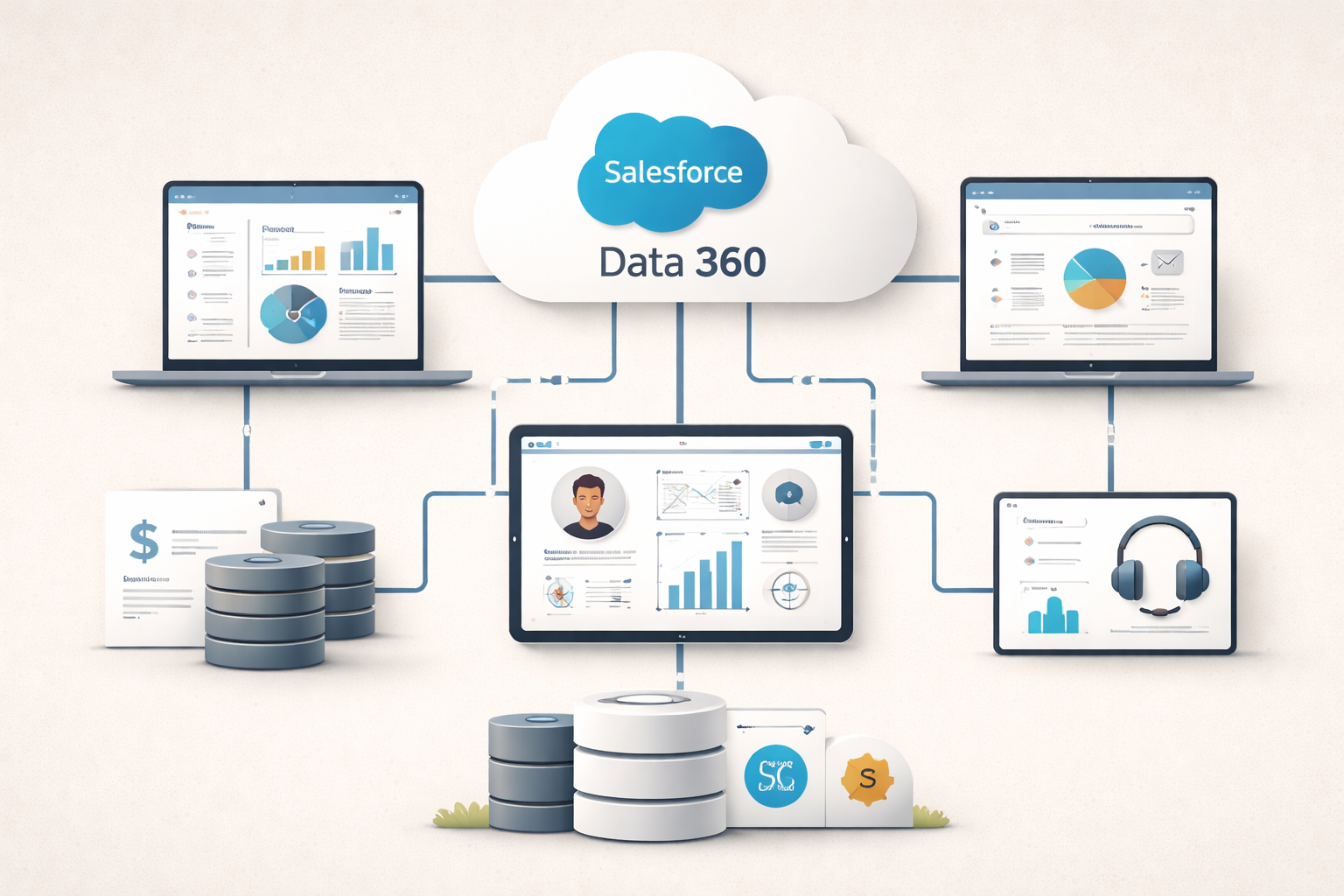
Connecting Salesforce Data 360 to External Systems
Most teams don’t struggle with Salesforce Data 360 because it doesn’t work. They struggle because their most important data doesn’t live where Salesforce expects it to.
Product usage sits in one system. Billing lives somewhere else. Support, marketing, and analytics each have their own stack. And then Salesforce Data 360 (formerly Data Cloud) shows up and promises a unified customer view—if you can actually connect everything cleanly.
That “if” is where most RevOps teams spend their time.
This post isn’t about every possible connector or architecture pattern. It’s about how to think through connecting Data 360 to external systems in a way that actually supports revenue decisions instead of creating another fragile layer to maintain.
Why integrations decide whether Data 360 delivers value
Salesforce positions Data 360 as a unification and activation layer, not just another place data lands. That’s clear in their overview of the platform, which emphasizes ingesting data from multiple sources and activating it across Salesforce workflows.
But here’s the part that’s easy to miss: Data 360 doesn’t magically fix disconnected systems. It amplifies whatever integration choices you make early on.
If your integrations are thoughtful, Data 360 becomes the backbone for prioritization, segmentation, and automation. If they’re rushed, it becomes the place everyone points to when numbers don’t line up.
The systems RevOps usually needs to pull in first
In the real world, most RevOps teams don’t start with “everything.” They start with one or two systems that unlock immediate value. That’s often product usage data, billing or subscription data, or support signals.
What matters more than the source, though, is why you’re connecting it. Are you trying to prioritize accounts? Flag churn risk? Improve handoffs? The answer should dictate the integration approach—not the other way around.
Native connectors vs. MuleSoft (this is usually where debates start)
At some point, every Data 360 conversation turns into a question of tooling.
Native connectors are fast. They work well when data models are clean, logic is simple, and Salesforce is already the center of gravity. For many early use cases, that’s enough.
As soon as complexity shows up—transformations, orchestration, error handling, finance-grade data—you start hearing about MuleSoft. Salesforce is very explicit about this positioning, describing MuleSoft as the integration layer designed to connect Salesforce with external systems at scale.
For teams that want to move quickly without heavy engineering involvement, MuleSoft Composer can sit in the middle as a lighter-weight option. It’s not a silver bullet, but it can bridge gaps when RevOps needs flexibility without building everything from scratch.
Inbound is only half the story
One of the most common mistakes teams make is treating Data 360 like a data sink.
Yes, getting data in matters. But Data 360 only becomes valuable when insights flow back out into Salesforce—into Agentforce Sales (formerly Sales Cloud), Agentforce Service (formerly Service Cloud), or Agentforce Marketing (formerly Marketing Cloud).
Salesforce calls this out directly in their feature overview, emphasizing activation as a core capability, not an add-on.
From a RevOps standpoint, activation is where adoption happens. If reps, managers, or marketers don’t see the output in the tools they already use, Data 360 becomes “that thing Ops owns” instead of part of how the business runs.
Identity resolution is where things get political
Technical integrations are hard. Identity resolution is harder.
Once you start unifying data from external systems, you’re making decisions about what counts as “the same customer.”
What is sometimes uncovered is the human side: the arguments about which identifier wins, whose system is the source of truth, and what happens when records don’t match cleanly.
RevOps usually ends up in the middle of those conversations. The sooner identity rules are agreed on—and documented—the fewer surprises you’ll have once Data 360 is live.
How integrations usually go wrong
When integrations struggle, it’s rarely because the technology can’t handle it.
More often, teams try to connect too much too fast, automate before governance exists, or assume IT will define business logic for them. In reality, RevOps needs to own how data is used, not just how it moves.
The teams that succeed tend to start small, prove value, and expand deliberately. That same approach underpins the guidance in the Data 360 Playbook from Revenue Ops, which focuses on sequencing and governance over “connect everything.”
Where Agentforce fits into all of this
As teams explore Agentforce, integration quality starts to matter even more. Agentic workflows depend on clean, trusted data. Salesforce is explicit about this in their overview of Agentforce: agents are only as reliable as the data they’re grounded in.
If external systems aren’t connected thoughtfully, agents surface inconsistencies faster than humans ever could. That’s powerful—and risky—depending on how well the foundation is set.
Final thought
Connecting Salesforce Data 360 to external systems isn’t an integration project. It’s an operating model decision.
The goal isn’t to move data everywhere. It’s to move the right data into the workflows that drive revenue decisions—and to do it in a way that scales without constant cleanup.
If Data 360 is on your roadmap and you want help pressure-testing your integration approach before it becomes expensive to unwind, that’s exactly the kind of work Revenue Ops supports.

Related articles

7 Signs Your Salesforce Org Needs a Health Check

Salesforce Field Service at Dreamforce 2026: 7 AI Updates Transforming Field Service

Revenue Cloud Advanced After Dreamforce 2026: One Revenue Engine, Every Experience

Dreamforce 2026 Day 3: The Agentic Enterprise Gets Practical

Dreamforce 2026 Day 2: Salesforce Shifts the AI Conversation From Possibility to ROI
