
Understanding Salesforce Objects, Accounts, Contacts, Leads, and Opportunities
If you’ve ever joined a new Salesforce org (or inherited one) and thought, “Why are Leads, Contacts, and Accounts all populated… and why do Opportunities feel inconsistent?” — you’re not alone. For Revenue Operations teams, these aren’t just CRM “things.” They’re the building blocks that determine whether your funnel reporting is trustworthy, your handoffs are clean, and your teams can actually act on the same version of the truth. In this guide, we’ll break down the core Salesforce objects that power most go-to-market motions—what they mean, how they relate, and where RevOps teams commonly go sideways.
What Salesforce “Objects” Really Are (and Why RevOps Should Care)
In Salesforce, an object is basically a table that stores a specific type of business record—like Accounts, Contacts, Leads, or Opportunities. Each object has fields (columns) and records (rows), and objects connect to each other through relationships. Understanding these relationships is at the heart of RevOps: it’s what makes lifecycle reporting possible and keeps sales, marketing, and customer success from disagreeing about basic pipeline math.
Most revenue teams live inside a handful of “core objects” in Sales Cloud, and those objects typically represent your go-to-market stages—from a potential buyer (Lead), to a known customer entity (Account + Contact), to a revenue event (Opportunity).
Accounts: The “Who” at the Company Level
An Account represents the organization you sell to (a business) or, depending on your model, an individual consumer (via Person Accounts). In B2B RevOps, Accounts typically anchor ownership, territory, segmentation, account planning, and reporting. Salesforce distinguishes between business accounts (companies) and person accounts (individual consumers) as separate ways to model “who you sell to.”
Common RevOps uses for Accounts:
- Defining ICP tiers (SMB, Mid-Market, Enterprise)
- Assigning account ownership/territories
- Rolling up engagement, pipeline, and revenue by account
- Powering account-level dashboards for leadership
If you’re trying to build clean reporting, Accounts are often the backbone—because they persist beyond individual deals or contacts.
Contacts: The “Who” at the Person Level
A Contact represents an individual person you do business with—often tied to an Account. Contacts can also be related to other records, including Opportunities, depending on how your org is configured.
This is where RevOps teams can add a lot of value. When Contacts are consistent and well-managed, you can:
- Track buying committee coverage (economic buyer, champion, legal, etc.)
- Improve handoffs by connecting key people to the right Accounts and Opportunities
- Reduce duplicate outreach and messy routing
- Improve attribution by matching people to the right company records
Salesforce also supports more complex relationship models like “Contacts to Multiple Accounts,” which can matter a lot for partners, agencies, and multi-brand organizations.
Leads: Prospects Before They’re Fully Qualified
A Lead is a potential customer that you’re tracking separately from your Accounts and Contacts. Think of Leads as people you might do business with—but you’re not yet sure where they belong in your CRM. The key point: once a Lead is qualified, Salesforce is designed for you to convert it into a Contact and (optionally) create or associate an Account, and often create an Opportunity as part of that conversion.
For RevOps, Leads are where process clarity matters most because every org handles them differently. The questions you should settle (and document) include:
- When is a Lead created vs. when do you create a Contact directly?
- What does “qualified” mean, and who can convert?
- Do you require an Account match before conversion?
- What fields must be completed before routing to Sales?
Salesforce’s Trailhead content does a solid job walking through the mechanics of creating and converting Leads and how that supports your sales process.
Opportunities: Where Revenue Lives (or Dies)
An Opportunity is a revenue event—your deal, your pipeline, your forecast. It should represent a defined sales pursuit with a stage, an amount, a close date, and a clear connection to the right Account. When Opportunity structure is clean, pipeline reviews become faster, forecasting becomes more reliable, and handoffs into onboarding or customer success are dramatically easier.
From a RevOps standpoint, Opportunities create downstream truth:
- Forecast accuracy depends on consistent stages and definitions
- Conversion rates depend on stable stage entry/exit rules
- Revenue attribution depends on Opportunities being tied to the right Account and influenced by the right Campaigns/activities
If you’re standardizing sales process behaviors, Opportunity management is often where the most leverage lives. Salesforce Trailhead also covers practical Opportunity workflow concepts like working opportunities, team selling, and visualizing pipeline (Path/Kanban).
How These Objects Work Together (A Simple Lifecycle)
Here’s a straightforward way to think about the relationships:
- Lead = “We know a person, but they’re not fully qualified yet.”
- Account = “We know the company (or customer entity) we sell to.”
- Contact = “We know the person and how they relate to the Account.”
- Opportunity = “We’re pursuing revenue with this Account (and often specific Contacts).”
And the most common flow looks like:
- Lead is created (from marketing, inbound, event, outbound, etc.)
- Lead gets qualified
- Lead is converted → Contact + Account (created or matched) + Opportunity (optional but common)
Where teams get stuck is when they unintentionally run two motions at once—some reps create Contacts directly, others live in Leads, and now funnel reporting becomes impossible because the lifecycle is fragmented.
RevOps Pitfalls to Watch (and Fix)
A few patterns show up repeatedly across Salesforce orgs:
1) Leads never get converted (or get converted inconsistently)
When Leads stay Leads forever, they become a dumping ground. Set a clear definition of qualification, enforce field requirements, and make conversion the standard operating procedure.
2) Duplicate Accounts splinter your “source of truth”
One company becomes five Accounts, and suddenly pipeline is split, ownership is contested, and attribution is unreliable. Matching rules, naming conventions, and enrichment help—but the process is the real fix.
3) Opportunities without context
Orphan Opportunities (wrong Account, missing Contacts, vague next steps) are where forecasts go to die. Opportunity hygiene isn’t busywork—it’s operational control.
4) Fields exist, but definitions don’t
It’s not enough to have “Stage” or “Lead Status.” RevOps needs documented definitions (and ideally enablement assets) so every team uses the objects the same way.
Where Data 360 Fits In
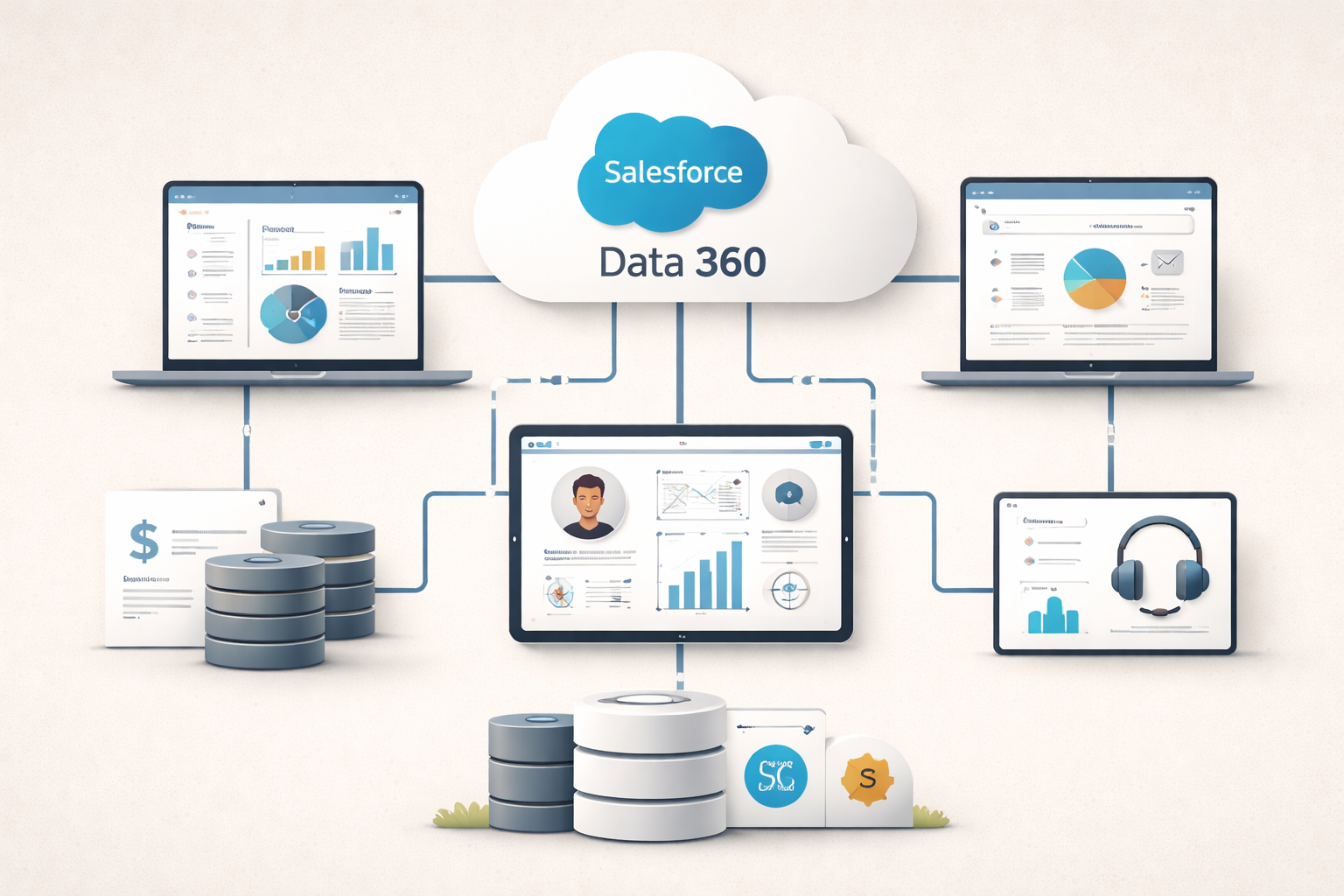
As your Salesforce usage grows—more sources, more touchpoints, more lifecycle complexity—data fragmentation becomes a real growth limiter. That’s one reason so many teams are investing in Data 360 (formerly Data Cloud): to unify customer data and make it usable across sales, marketing, and service.
If your team is trying to operationalize a 360-degree customer view (without turning your org into a patchwork of brittle integrations), you may find our Data 360 Playbook useful. It’s designed for RevOps, Marketing Ops, and IT leaders who need a practical roadmap—governance, activation, and real-world operating patterns.
You can also browse more Salesforce-focused RevOps resources here: Revenue Ops
Quick “Cheat Sheet” (for Slack, onboarding docs, or enablement)
- Objects: Salesforce’s way of storing business records (tables).
- Accounts: Companies (or consumers) you sell to.
- Contacts: People tied to Accounts and sometimes Opportunities.
- Leads: Unqualified prospects, converted into Accounts/Contacts and often Opportunities.
- Opportunities: Your pipeline and revenue events—where forecasting and process consistency matter most.

Related articles

What Data Should Be Migrated First?

How Long Does It Take to Implement Salesforce?

Salesforce Is Phasing Out Connected Apps — Here’s What the Spring ’26 Change Really Means

Common Salesforce Product Questions Revenue Ops Teams Are Asking (and Why They Matter)
Connecting Salesforce Data 360 to External Systems